Spatial is a place to lay out what you are working on: notes, pictures, links, lists, tables and diagrams,
arranged the way you think and nested as deep as you like.
Every kind of card you need, side by side, and boards inside boards to keep them in order. Double-click a board to go in; the path at the top takes you back out.
Notes
Documents
Pictures
Links
Files
To-do lists
Tables
Charts
Sketches
Shapes
Lines
Comments
Maps
Colour swatches
Columns
Boards
Collect, then arrange
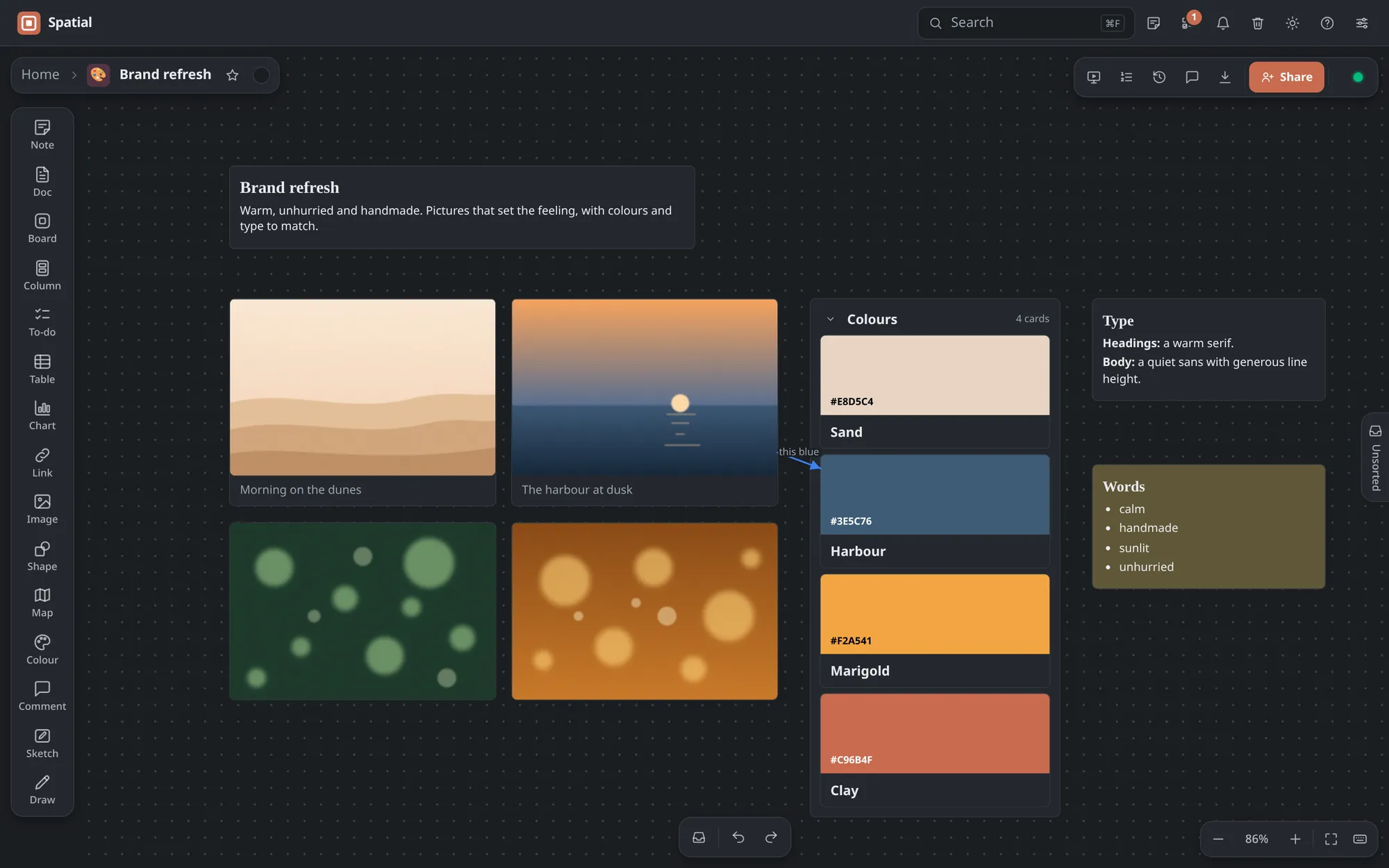
Drop in pictures, paste links and words, and move everything around until it makes sense. Nothing is in a fixed place: that is the point.
Pictures you can crop, rotate and draw on
Colour swatches, with colours picked from your pictures
Columns to gather cards, and lines with labels between them
Plans that add up
Keep the plan next to the ideas. Tables work out totals with formulas, charts draw themselves from tables, and to-do lists take due dates, reminders, repeats and people, with every task from every board in one list.
Over a hundred spreadsheet functions
Bars, lines, areas, scatter and pie
Reminders when things are due
See how things fit together
Shapes for flowcharts, org charts and Venn diagrams, joined by lines that follow them as you move things. Start from a template, or from a blank board.
Rectangles, diamonds, ellipses and more
Curved lines, arrows and labels
Smart guides that line things up as you drag
Work on it together
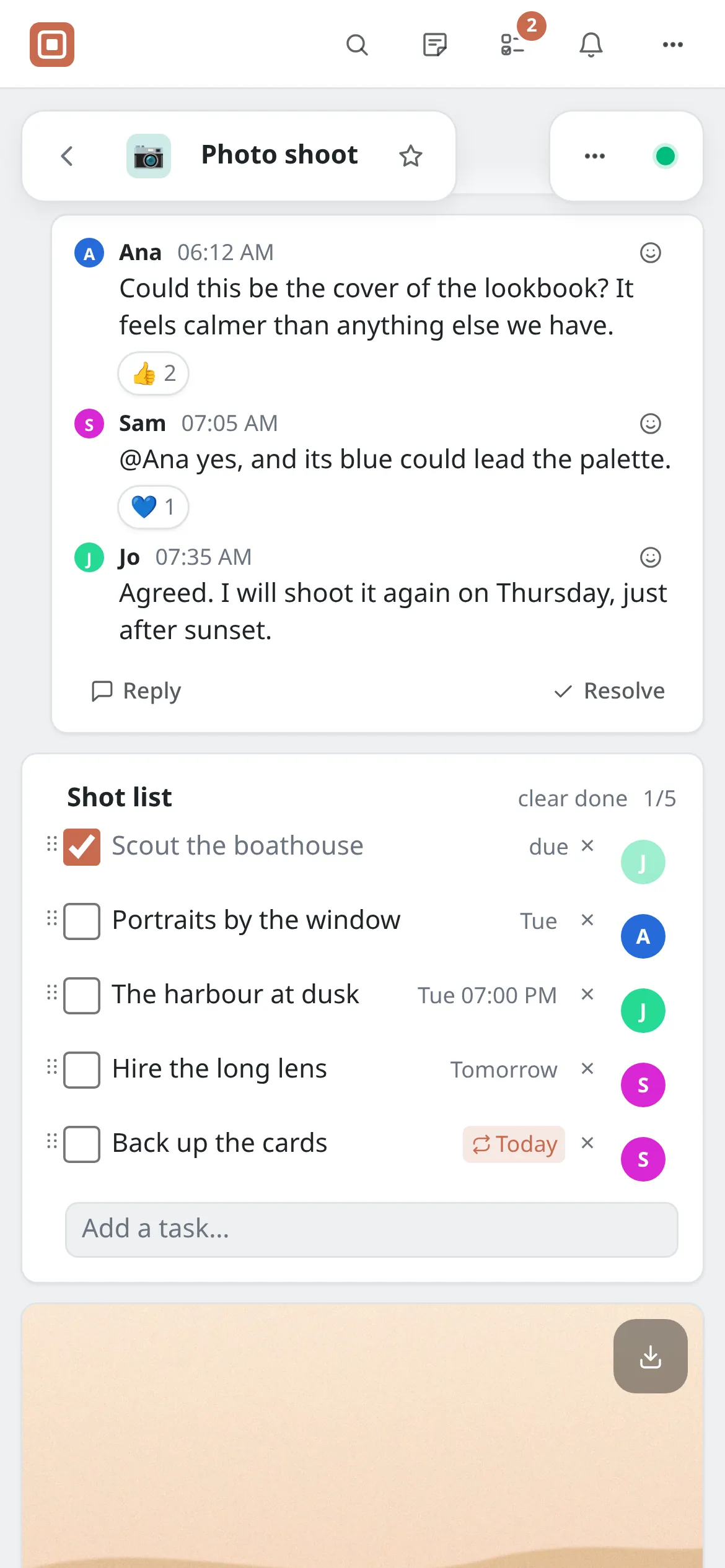
Invite people to a board and work on it at the same time: you see their pointers, their faces and what they have selected, and can follow their view. Talk things over in comments pinned to cards, with replies, reactions and @mentions, and resolve a thread once it is settled.
A bell that tells you of mentions, replies and reactions as they happen
Tasks given to someone show their face, and land in their list
Orange dots on what others changed since your last visit
Show it to anyone
Present a board full screen and step through its cards with the arrow keys, in reading order or in an order you choose, leaving out what you like. Or share a read-only link, which opens without an account.
Links with a password and a welcome message, and downloads on or off
Comments, reactions and drawing from visitors who sign in
A board embedded in a blog or a wiki
Bring it all in, take it all out
Catch things the moment you find them, move in from the tools you use now, and take your boards with you whenever you like.
Bring it in
Quick notes catch a thought, a link or a photo from any board, to file later
Every board has an Unsorted panel for what is not placed yet
A web clipper saves pictures, words, links and whole pages from your browser
Installed on a phone, it takes what you share from other apps
Milanote's Word export, Word documents, Markdown notes and Obsidian vaults, and ZIPs of pictures come in as boards
Take it with you
A PDF or a PNG of a board, just as it looks
Word, Markdown or plain text, in reading order, with tables worked out
A ZIP with every original picture and file, which imports again
Tables as CSV, and drawings as SVG
Everything you have, in one download
Made for how you work
The rest, in brief.
Works offline
Boards you have opened stay on your device, and changes sync when you are back online.
Find anything
Search every board at once, with phrases, left-out words, and filters for the kind of card, the board, a label or a date.
Labels
Your own named colours for cards. Rename one and every card wearing it follows, and a click finds them all.
Synced copies
Put the same note, document or to-do list on several boards: change one and they all change.
Templates
Nearly eighty to start from, from moodboards and storyboards to shot lists, sprint boards and wedding plans, or save your own.
History and undo
Undo covers everything you do on a board, History shows how it was and brings back what you need, and the trash keeps what you delete.
Documents
Long notes with a title that open over the whole window, written together, and saved as Word, Markdown or PDF.
Links that play
Paste a YouTube, Vimeo, Spotify or map link and it plays in its card when you press Play.
Boards your way
Give each board an emoji, a colour or a picture as its icon, and a colour, gradient or picture behind it. Star the ones you use most.
Shortcuts
Every button names its shortcut as you point at it, and pressing ? lists them all.
A gentle start
A short tour of the controls, and a list of first things to try that ticks itself off as you go.
Works with AI tools
Connect Claude, ChatGPT, Cursor or VS Code to search your boards, read them and add to them, once you allow it.
Light or dark, big screen or small
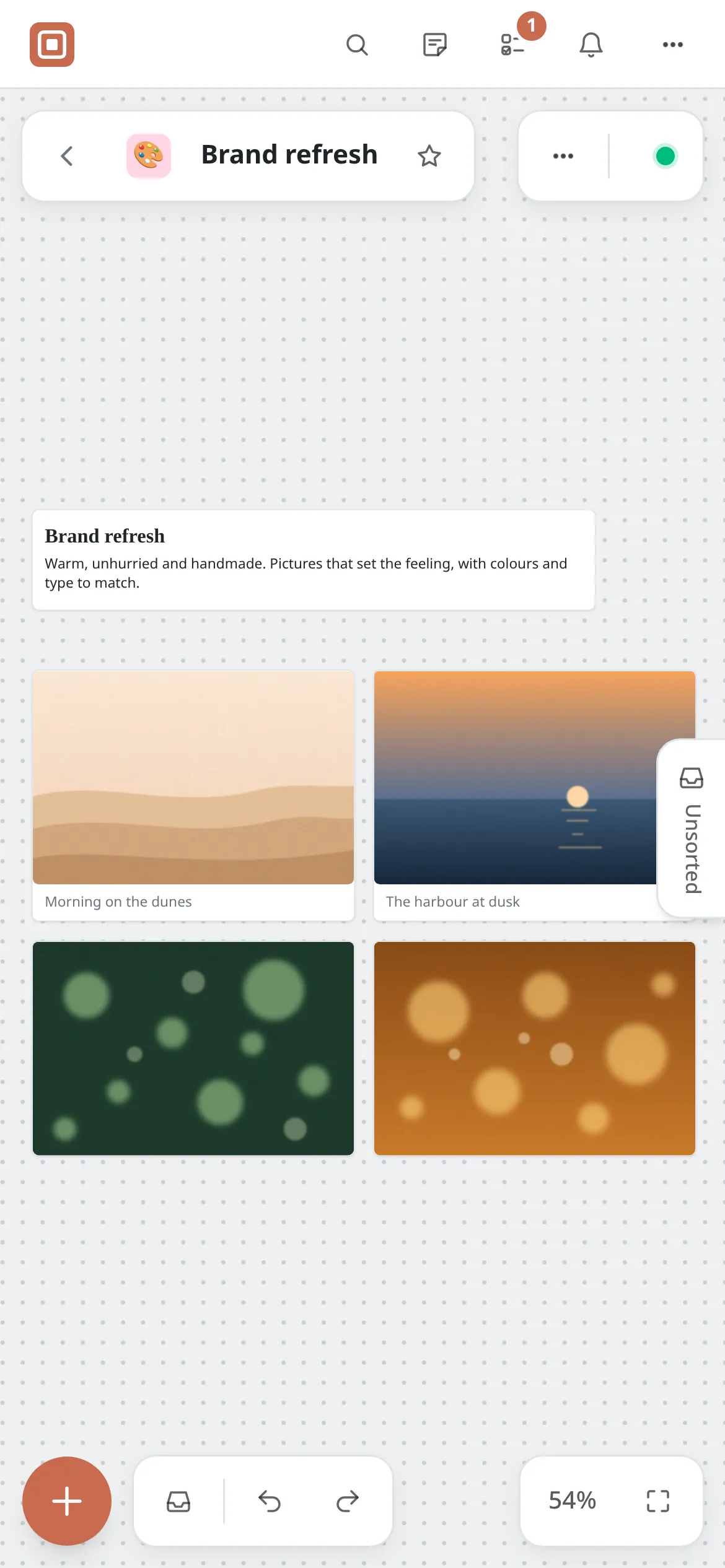
Spatial follows your system's theme, installs like an app on a computer, tablet or phone, and works with a mouse, a trackpad or your fingers: pinch to zoom, hold a card to move it, double-tap to write. On a phone, List view reads a board from top to bottom, to tick off tasks and answer comments.
Start your first board
Begin with a blank canvas or one of nearly eighty templates, and bring the rest in as you go.
 Spatial